Method comparison
Use a focused repair or rebuild the text by hand.
ImageTextEdit and Photoshop can both produce a changed image, but they solve the problem differently. The right choice depends on your source file and the control the result requires.
Best suited to one short text change inside a flattened image that is otherwise ready to use.
Real source, actual output
A rights-cleared marquee changed through the same focused ImageTextEdit workflow.
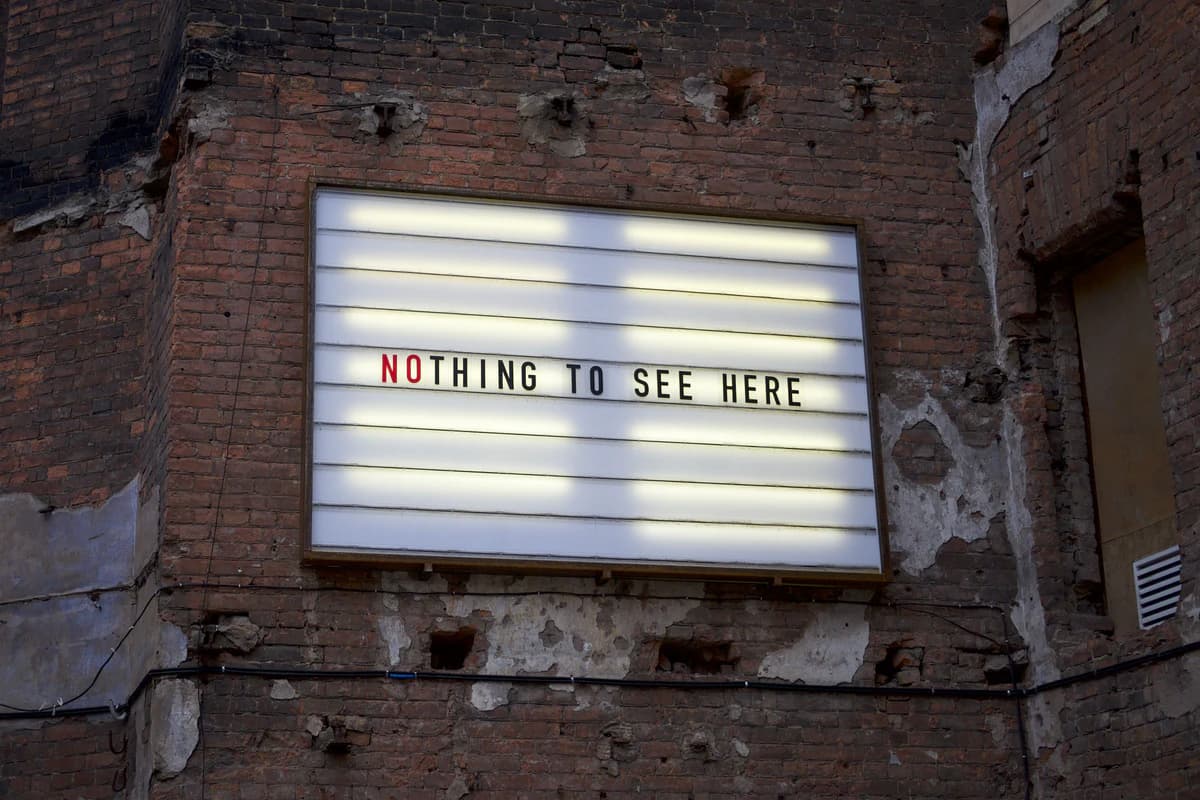 Before
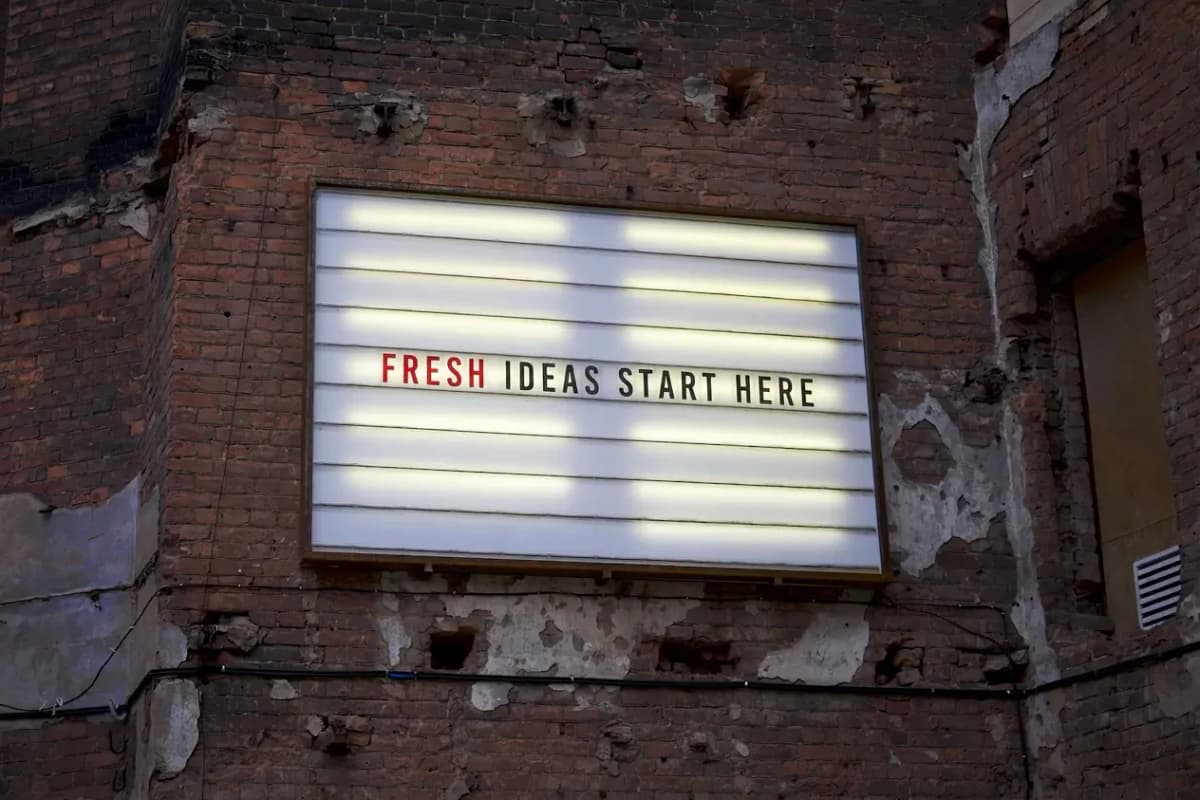 After
AfterSource: Billboard on a brick wall by Erio Noen · Rights: Pexels license (website marketing use and modification permitted)
01
The methods are different before quality enters the discussion.
One asks a generative image model to rebuild a selected region. The other gives an editor tools to construct, mask, blend, and adjust the result directly.
ImageTextEdit
Upload a flattened image, mark one text region, type the replacement, generate a new image, and inspect what changed.
Photoshop
Work with layers, selections, type, masks, retouching, and manual adjustments to control how the change is built.
02
Compare the workflows, not a winner label.
Each method trades some decisions for others. The table below describes the work, not a promise that one result will always be better.
| Question | ImageTextEdit | Photoshop |
|---|---|---|
| What do you start with? | A flattened JPG, PNG, or WebP | A flattened image or an editable layered file |
| How is text changed? | The selected region is generated again with a replacement instruction | The editor creates or adjusts type, masks, background, and effects |
| What kind of control? | Focused setup with review after generation | Direct control over layers, type settings, masks, and local adjustments |
| What do you get? | A newly rendered raster image | A raster export and, when saved that way, an editable working file |
| What is the review risk? | Unexpected generation outside or within the intended region | Manual mismatches in font, spacing, texture, lighting, or cleanup |
03
Use ImageTextEdit for a contained finished-image repair.
The focused workflow earns its place when the image is already right and one short text region is the isolated problem.
- You only have a JPG, PNG, or WebP.
- One price, date, number, label, typo, or short headline is wrong.
- You are comfortable reviewing a generated raster result.
- The image does not need broader retouching or compositing.
- You can compare the result with the source before publishing.
- You own the asset or have permission to change it.
Start with the broad image text editor and keep the selection limited to the complete text region plus a narrow amount of its immediate background.
04
Use Photoshop when the work needs direct construction and control.
A layer-based editor is the stronger method when the task goes beyond one contained replacement or must remain editable.
Editable source available
Keep the live type, layout, masks, and effects under direct control.
Several coordinated changes
Adjust multiple labels, objects, colors, and compositing decisions in one working file.
Exact typography required
Use the known font, tracking, alignment, and type settings from the design system.
Review needs layers
Hand off a file where another editor can inspect and revise individual elements.
05
Make the choice in three questions.
You do not need a universal verdict. You need a method that matches this file and this change.
- 01
Do I have the layered source?
If yes, change the editable text there.
- 02
Is the problem one short text region?
If yes, a focused generative repair is a reasonable first attempt.
- 03
Do I need exact, reusable control?
If yes, build the change in a layer-based editor and keep the working file.