Edit Date in Letters AI-powered date updates for letters
Need to update the date on your letters? Upload your letter and let ImageTextEdit rewrite the date while keeping fonts, colors, and layout intact. Details on letters go stale fast — schedules shift, compliance rules change, or last-minute edits pop up. ImageTextEdit lets you refresh the date on existing letters and keep every version aligned with the latest information.
Upload your image
Drag and drop an image, or click to browse
Supports PNG, JPG, JPEG, WebP
Max file size: 20MB
Max resolution: 4096x4096
See the Magic
It's easy and quick to edit text in images with ImageTextEdit!
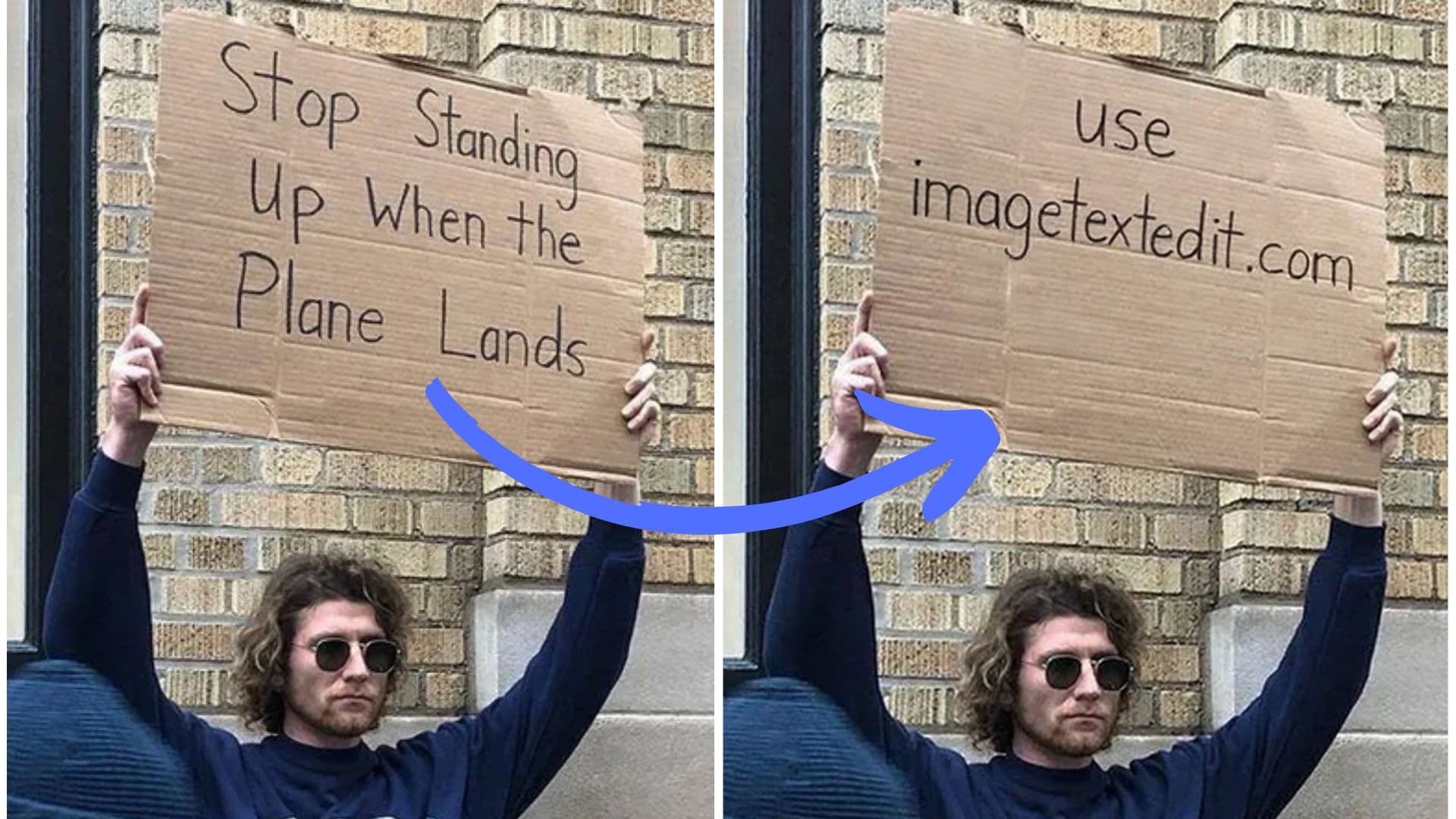
It just works! (80% of the time)
Designers, marketers, and founders rely on our fast AI text swaps to keep visuals fresh.
- 80,000+
- Active creators
- 100,000+
- Generations completed
- 4.0 / 5
- Success rate
Keep Letters accurate without reprinting
Details on letters go stale fast - schedules shift, compliance rules change, or last-minute edits pop up. ImageTextEdit lets you refresh the date on existing letters and keep every version aligned with the latest information.
- Swap outdated date on letters without reprinting or reshooting assets.
- Keep fonts, textures, and branding consistent as the AI rebuilds every character naturally.
- Handle bulk date updates across letters with credits-based automation.
How to edit the date on your letters
- Upload your image. Drag your letter into the editor and highlight where the date appears.
- Type the new text. Enter the updated date and optional notes so the AI knows exactly what to replace.
- Generate and download. Create a fresh version with new date while preserving the original letter.
FAQ
Can I edit the date on scanned letters?
Yes. ImageTextEdit works with photos or scans of your letters. For best results, upload the highest resolution file and use the selection tool to focus on the date.
Will the fonts on my letters stay consistent?
The model regenerates typography, shadows, and textures so the new date blends into your letters naturally without obvious edits.
Do I need design skills to update the date?
No design background required. Upload the letter, type the date you want, and ImageTextEdit handles the typography match for you.
What file formats are supported for letters?
ImageTextEdit accepts PNG, JPG, JPEG, and WebP files. Upload a photo, scan, or screenshot of your letter and the AI will handle the date replacement.
Can I edit multiple date fields on the same letter?
Yes. After generating the first edit, upload the result and select the next date area. Each generation uses one credit and produces a clean, re-editable image.
Related Tools
Explore more ways to edit text in your images with our AI-powered tools.