Same-style image text repair
Edit Date in Receipts
AI-powered date updates for receipts
Need to update the date on your receipts? Upload your receipt and let ImageTextEdit rewrite the date while keeping fonts, colors, and layout intact. Official receipts often need date corrections after printing — whether from data entry mistakes, policy updates, or last-minute changes. ImageTextEdit saves you from reprinting entire batches by letting you fix the date directly in the image.
Preparing an edit is free. Generation requires purchased credits; credit packs start at $1.99.
Start your edit
Upload once. Change only the text.
You can choose the image and prepare the edit before signing in.
Choose an image to start
Upload imageDrag and drop it here, or browse your files
PNG, JPG, JPEG or WebP
Up to 20MB and 4096 × 4096 pixels
Made with this editor
See how well it keeps the style
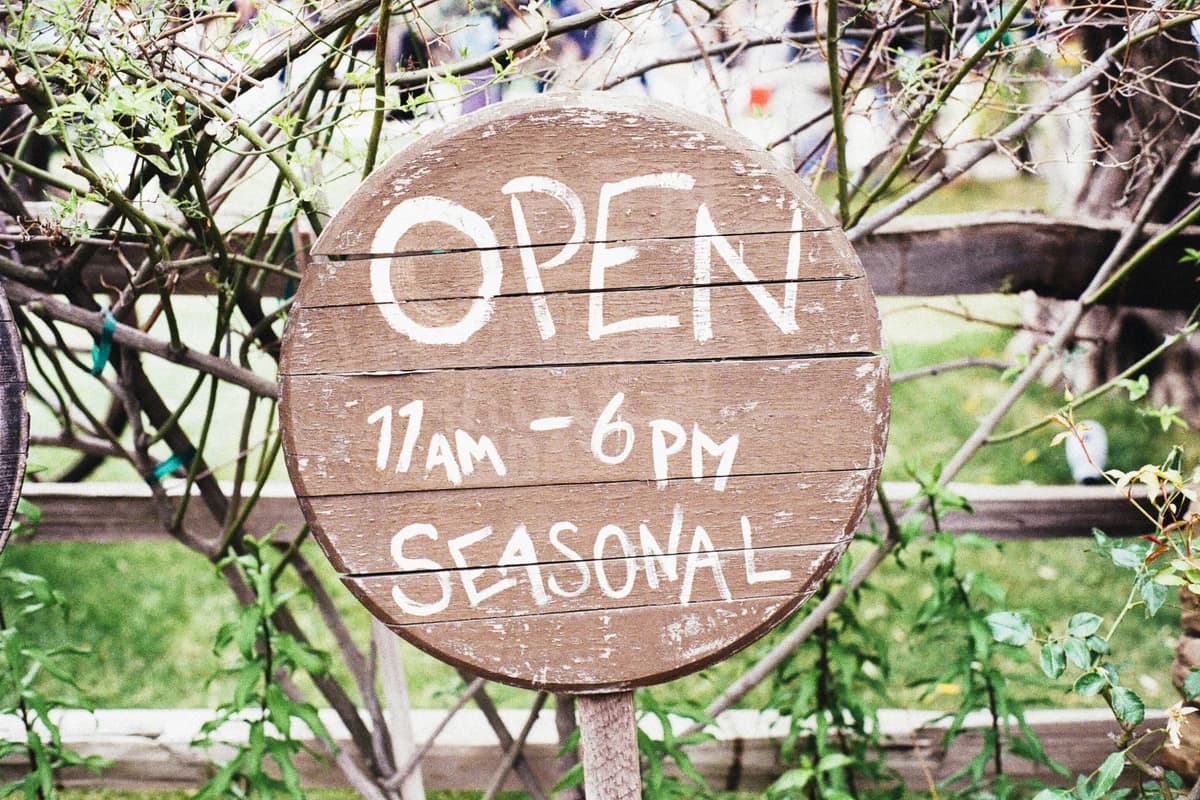
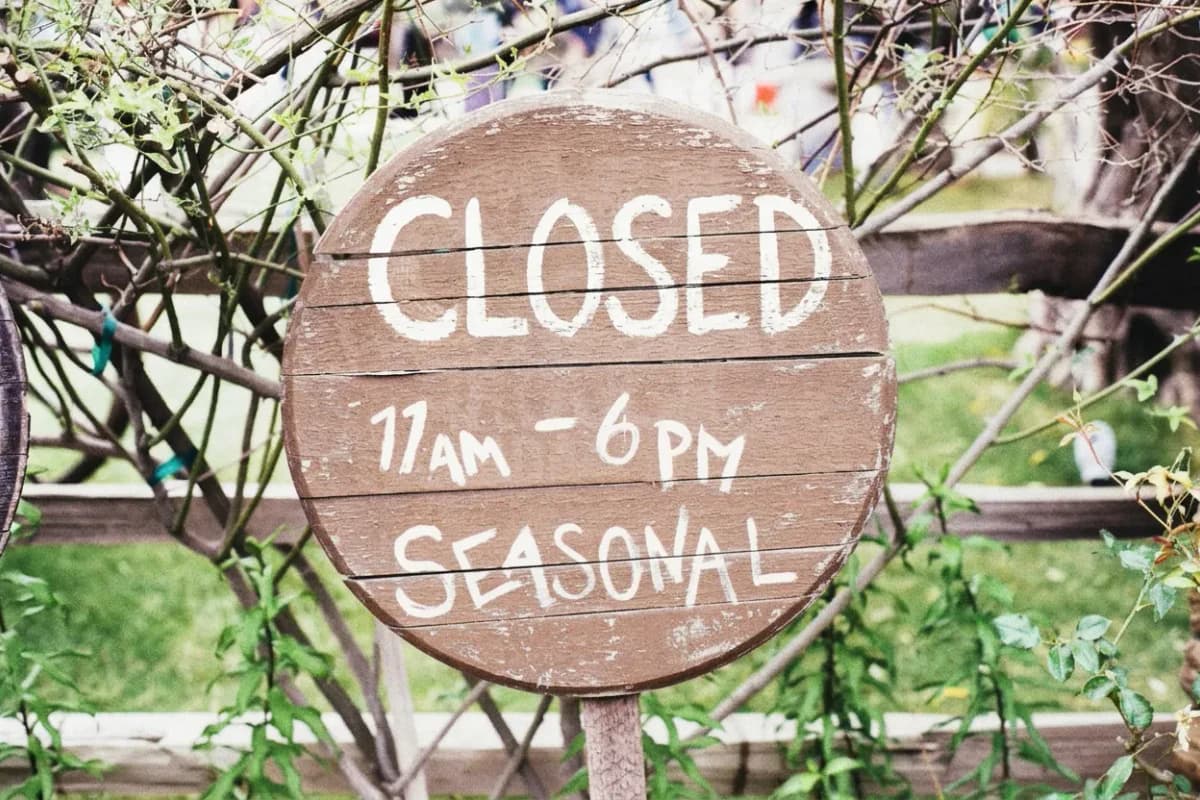
Real-photo demonstrations show the text changing while the surrounding scene and style stay intact.
Verified product activity
A focused editor with real usage behind it
Update the text you meant to change while keeping the finished visual intact.
- 39,000+
- Accounts created
- 34,000+
- Completed edits
- 900+
- Paying customers
Keep Receipts accurate without reprinting
Details on receipts go stale fast - schedules shift, compliance rules change, or last-minute edits pop up. ImageTextEdit lets you refresh the date on existing receipts and keep every version aligned with the latest information.
- Swap outdated date on receipts without reprinting or reshooting assets.
- Keep fonts, textures, and branding consistent as the AI rebuilds every character naturally.
- Handle bulk date updates across receipts with credits-based automation.
How to edit the date on your receipts
- Upload your image. Drag your receipt into the editor and highlight where the date appears.
- Type the new text. Enter the updated date and optional notes so the AI knows exactly what to replace.
- Generate and download. Create a fresh version with new date while preserving the original receipt.
FAQ
Can I edit the date on scanned receipts?
Yes. ImageTextEdit works with photos or scans of your receipts. For best results, upload the highest resolution file and use the selection tool to focus on the date.
Will the fonts on my receipts stay consistent?
The model regenerates typography, shadows, and textures so the new date blends into your receipts naturally without obvious edits.
Do I need design skills to update the date?
No design background required. Upload the receipt, type the date you want, and ImageTextEdit handles the typography match for you.
What file formats are supported for receipts?
ImageTextEdit accepts PNG, JPG, JPEG, and WebP files. Upload a photo, scan, or screenshot of your receipt and the AI will handle the date replacement.
Can I edit multiple date fields on the same receipt?
Yes. After generating the first edit, upload the result and select the next date area. Each generation uses one credit and produces a clean, re-editable image.