Technology explainer
The text is not a layer. The image is rebuilt.
When words are baked into a JPG, PNG, or WebP, an AI editor cannot reopen the original typography. It generates new pixels from the image and your instruction.
Upload an image, mark one text region, and type the replacement you want before generation starts.
Real source, actual output
A public-domain source and actual output show a contained 49 to 39 change.
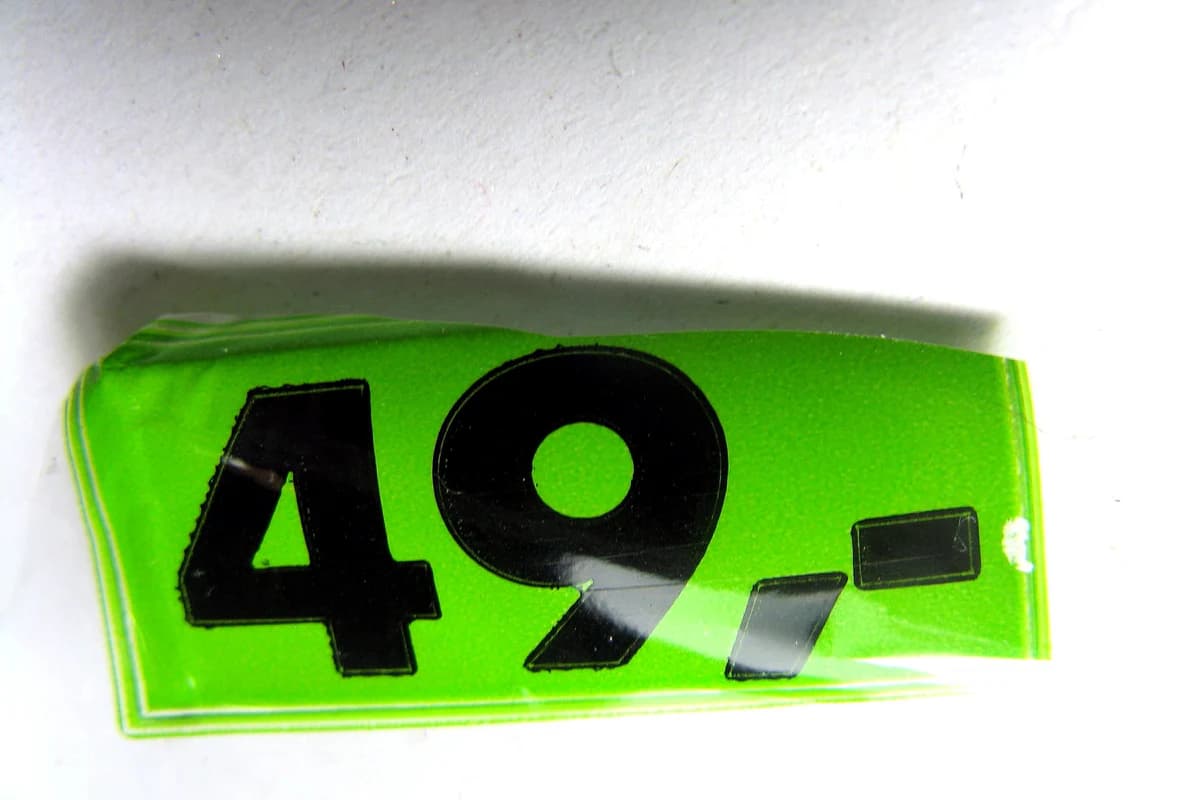 Before
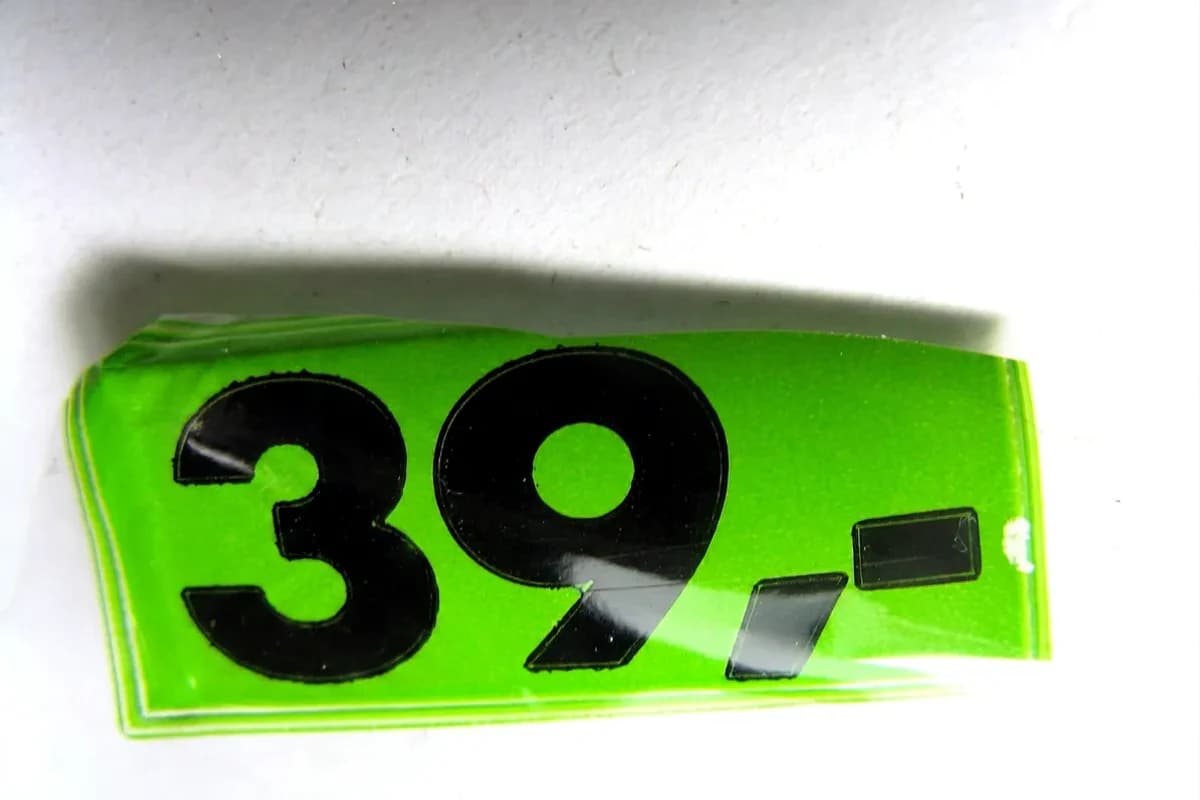 After
AfterSource: Price.jpg by Paolo Neo · Rights: Public domain (commercial use permitted by the author)
01
A flattened image has pixels, not editable words.
The letters may look like text to you, but the file stores their color and shape as part of the image.
An editable source file
Text can remain a separate layer with a known font, size, alignment, and effect stack. Change that layer when it still exists.
A flattened image
The text and background are one raster image. A generative edit creates a new rendering rather than recovering the old font file or layer.
02
The workflow has five visible stages.
The service combines the source image with a precise replacement instruction, then returns a newly generated image for review.
- 1
Source image
You provide the cleanest available JPG, PNG, or WebP.
- 2
Text region
You draw around the complete lettering that should change.
- 3
Replacement instruction
The editor turns your new text and marked region into a focused generation request.
- 4
Image generation
A generative image model returns a new raster image based on the source and instruction.
- 5
Human review
You compare the result with the source and decide whether to save it, retry, or use another method.
03
The selection is a boundary and a clue.
A useful selection identifies the lettering to replace while leaving enough nearby material to read its setting.
- Too tight
- Cutting through letter edges can leave fragments of the old text or too little material for a clean transition.
- Too loose
- Including unrelated objects gives the generated edit more of the scene to reinterpret.
- Better boundary
- Cover the full word or short phrase and a narrow amount of the immediate surface behind it.
- Several regions
- Edit one contained region at a time so each result can be checked against the source.
04
Results vary because the task is visual generation.
The same replacement can be easier on a flat sign than on tiny curved lettering, reflective packaging, or a low-resolution screenshot.
Source quality
Compression and blur remove the detail needed to judge letter shape and background texture.
Replacement length
A much longer phrase may not fit the space or perspective of the original.
Surface complexity
Reflections, folds, grain, shadows, and curved materials add visual constraints.
Text density
One short label is a different problem from a paragraph or many scattered regions.
05
The final step is still a human decision.
Inspect both the requested change and the parts of the image that were supposed to stay the same.
- Spelling and punctuation are exact.
- Baseline, spacing, and perspective look plausible.
- Nearby texture and edges remain coherent.
- Faces, products, controls, and other labels did not drift.
- The export is clear at its intended display size.
- The edit is authorized and does not change evidence or records.
When the source is otherwise finished and one short text region is wrong, the image text editor gives that workflow one focused starting point.